





PIXL Booth is all-in-one photo booth software for Windows — capture, custom frames, instant sharing, and a cloud gallery your guests can revisit anytime. Everything runs from one app, on hardware you already own.
One app for the whole event — from the camera, to the print tray, to the guest's phone.
Works with a Canon DSLR or a plain webcam. Guided countdown, live filters, and single-tap retakes let guests run the whole session themselves — no operator required at the booth.
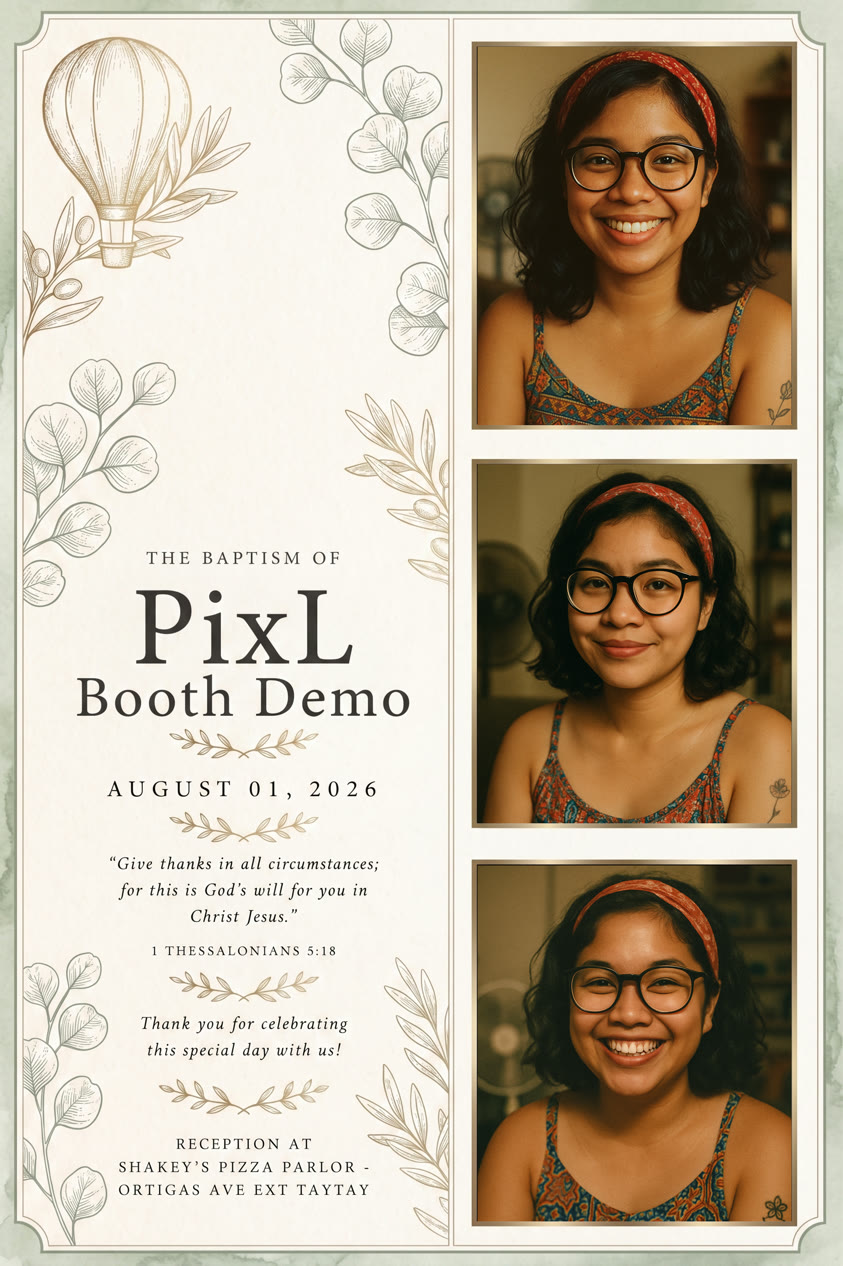
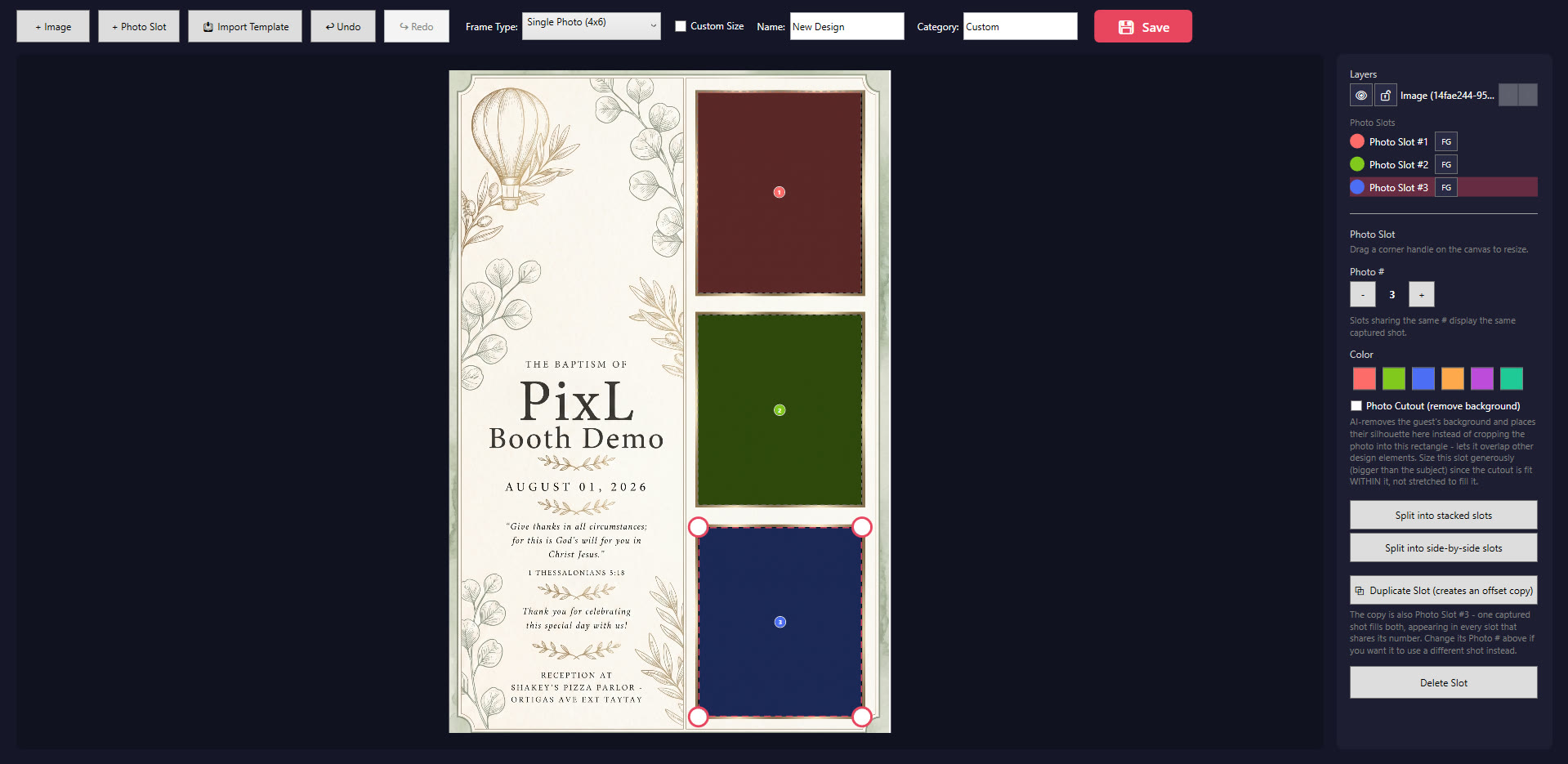
Design your own print layouts sized to the inch, drag photo slots into place, and add logos, text, or stickers. Save it once and reuse it for every future event.
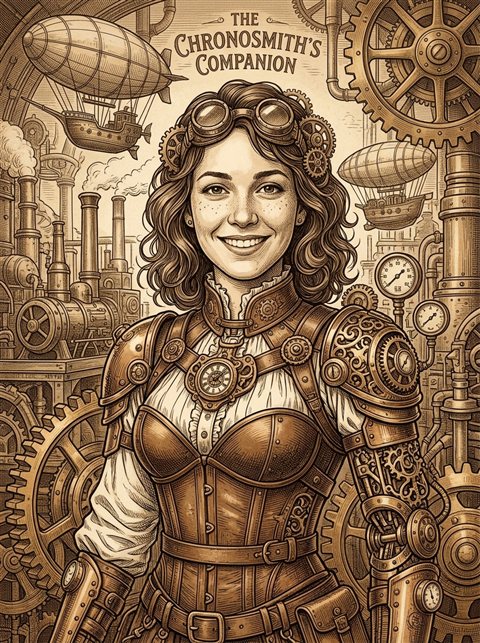
Swap in a stock or AI-generated backdrop on the fly — on-device background removal means no green screen and no extra hardware.
Guests grab their photo by QR code in seconds, saved straight to their phone's camera roll — not just a generic browser download.
Every event's photos are backed up and browsable online afterward from any device, so nothing lives only on one laptop that could fail or go missing.
Guests can browse and re-download every photo from the whole event afterward, not just the one they took — perfect for a venue kiosk or a link shared after the party.
Direct-to-printer output with alignment tools, dual-printer support, and configurable print-count limits per event to keep supply costs predictable.
Let guests doodle, add text, or drop in your branded sticker pack before they print or share — optional, and fully within your control per event.
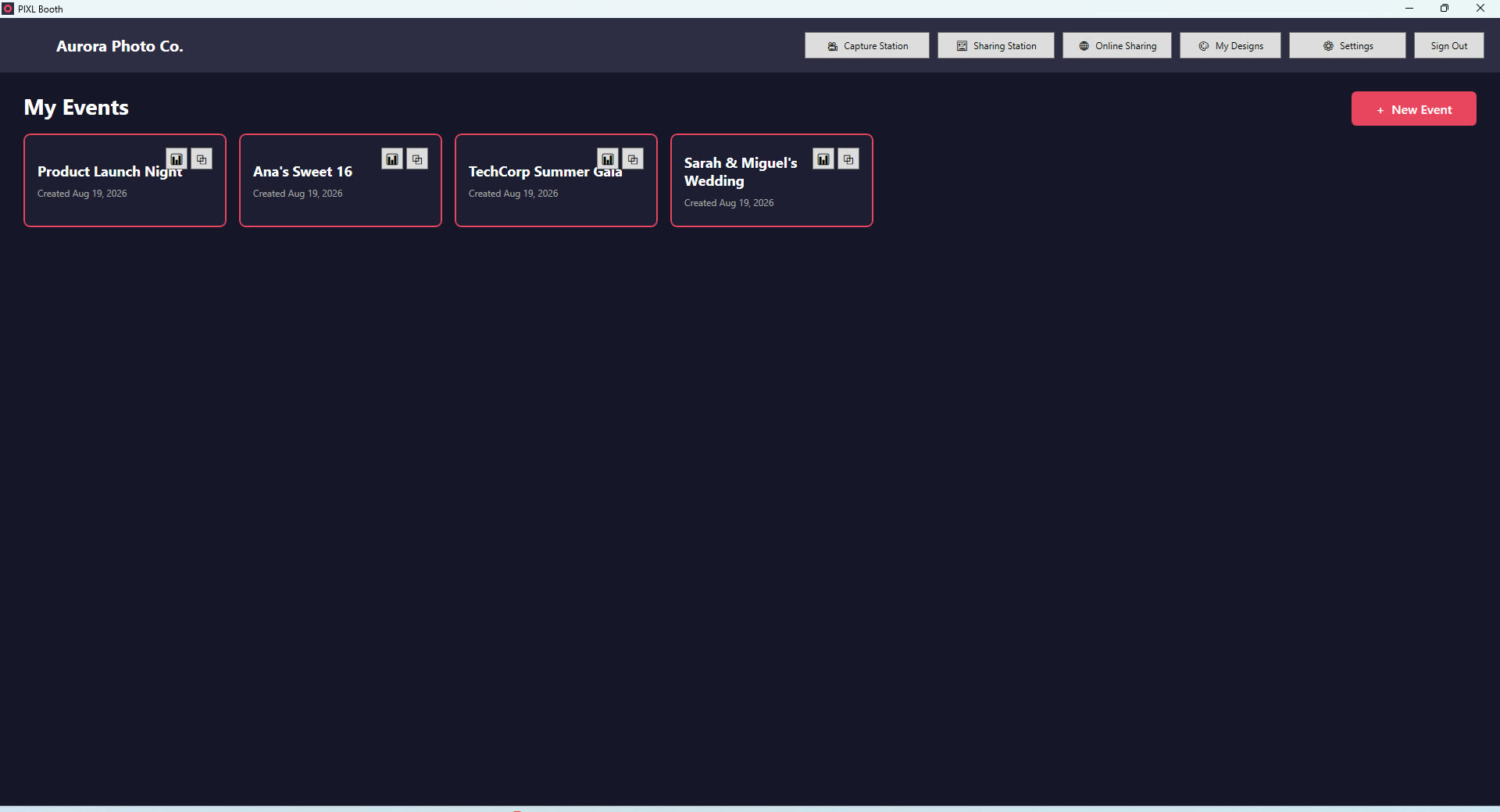
See session counts, prints, and shares per event at a glance, so you know what's working across every booking without digging through folders.
Illustrative previews of the actual app screens — your booth, your branding.
Dashboard — every event, one place
Uses your camera for this preview only — nothing is uploaded or saved anywhere.
This isn't a mockup — it's the same guided countdown, running live in your browser
Design your own print layout, sized to the inch
Guests save straight to their camera roll
From unboxing to your first event in three steps.
Download the installer, plug in a Canon DSLR or use a webcam, and pick your printer. No IT background needed.
Build a custom print layout in the Frame Designer, or start from a preset, then create an event in a few clicks.
Guests run the session themselves — capture, print, and grab a copy on their phone via QR code, instantly.
One product, full features — just pick the billing cadence that fits how often you book events.
Prices in PHP. Already have an account? Sign in from inside the app.
Download the installer and you'll be capturing photos in minutes.
⬇ Download PIXL Booth